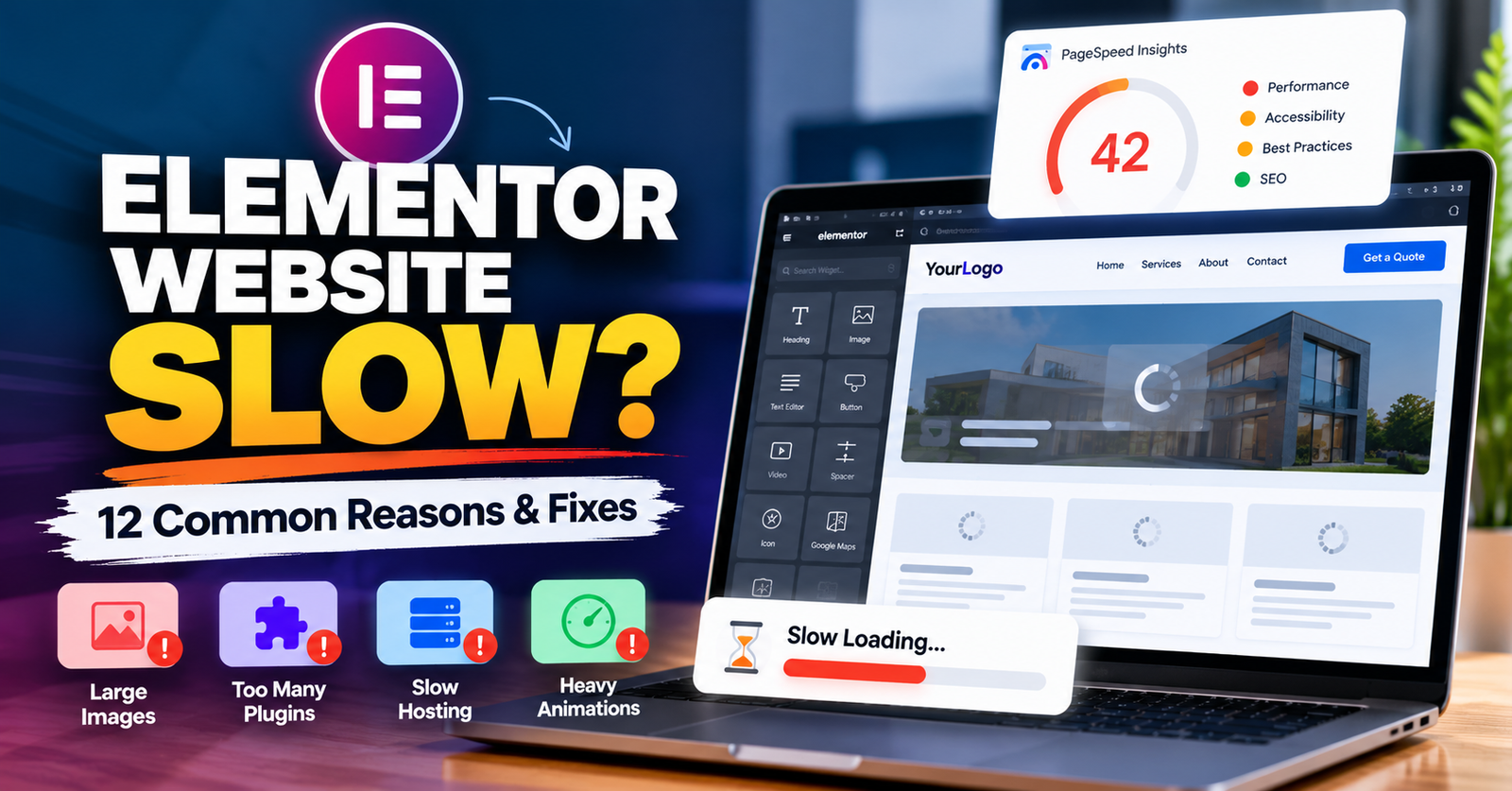
You built your website with Elementor, but now it feels slow.
Pages take too long to open. Images appear late. The mobile version feels heavy. Sometimes the website even freezes for a moment while loading.
This is frustrating for visitors, and it can also hurt your website’s performance.
The good news is that Elementor itself is not always the main problem.
A slow Elementor website is often caused by large images, too many plugins, poor hosting, heavy scripts, unnecessary animations, or a combination of several small issues.
In this guide, we will look at 12 common reasons why an Elementor website becomes slow and what you can do about them.
1. Your Images Are Too Large
Large images are one of the most common causes of a slow WordPress website.
You may upload a beautiful image directly from a camera or stock photo website. But that image could be 3 MB, 5 MB, or even larger.
If several large images are used on one page, visitors have to download all of them.
That can make the page feel very slow.
What should you do?
Resize images before uploading them.
You can also:
- Compress images
- Use WebP or another modern image format when appropriate
- Avoid uploading images much larger than the size displayed
- Lazy-load images below the first screen
For example, if an image only displays at around 800 pixels wide, you probably do not need to upload a 5000-pixel-wide version.
Image optimization alone can sometimes make a noticeable difference.
2. You Have Too Many WordPress Plugins
Plugins make WordPress powerful.
But installing a plugin for every small feature can create problems.
Some plugins load additional:
- CSS
- JavaScript
- Fonts
- Database queries
- Tracking scripts
The number of plugins is not the only thing that matters.
A website with 20 well-built plugins can sometimes perform better than a website with 10 poorly optimized ones.
The important question is:
Do you actually need every plugin installed on your website?
Check your plugins and remove ones that are no longer necessary.
Do not keep unused plugins just because you might use them someday.
3. Your Hosting Is Too Slow
You can optimize Elementor as much as possible, but poor hosting can still hold the website back.
Your server has to process requests before your page can reach the visitor.
If the server is slow, overloaded, or badly configured, your website may feel slow before Elementor content even starts loading properly.
This is especially common with very cheap hosting plans.
If your website remains slow after basic optimization, check your hosting performance.
For an important business website, choose hosting that is suitable for WordPress and the amount of traffic your site receives.
4. Your Elementor Pages Have Too Many Elements
Elementor makes it easy to add sections, containers, widgets, columns, effects, and design elements.
That also makes it easy to overbuild a page.
For example, a simple section may contain several unnecessary nested containers.
Your page can become much heavier than it needs to be.
Review your pages and ask:
Do I actually need this element?
If not, remove it.
Try to keep your page structure clean.
A simpler structure can improve both performance and future website maintenance.
5. You Are Using Too Many Animations
Animations can make a website feel modern.
But more animation does not always mean better design.
If every heading fades in, every image moves, every button has an effect, and every section uses motion, your website can become distracting and heavier.
Animations can be especially noticeable on lower-powered mobile devices.
Use animations where they add value.
Do not use them just because Elementor makes them available.
For most business websites, simple and smooth is better.
6. Too Many Fonts and Font Weights Are Loading
Fonts are easy to overlook.
Your website might be loading:
- Multiple font families
- Regular
- Medium
- Semi-bold
- Bold
- Extra-bold
- Italic versions
Each additional font file can add another request.
Try to keep your typography simple.
For example, one or two font families are usually enough for most websites.
Only load the font weights that your design actually uses.
You can still create a professional website without loading a large collection of fonts.
7. Your Website Has No Proper Caching
Caching can help your website serve pages faster.
Without caching, WordPress may need to do more work each time someone visits a page.
A proper caching setup can reduce unnecessary processing and improve loading times.
Depending on your hosting environment, you may use:
- Page caching
- Browser caching
- Server-level caching
- Object caching
However, caching needs to be configured carefully.
After making changes, always check important pages and functionality.
Forms, carts, account pages, and other dynamic features may need different caching rules.
8. Third-Party Scripts Are Slowing the Page Down
Not everything slowing your Elementor website comes from Elementor or WordPress.
Your website may load external tools such as:
- Google Analytics
- Google Tag Manager
- Facebook Pixel
- Live chat
- Review widgets
- Scheduling tools
- Advertising scripts
- Embedded videos
- Maps
Each tool can add extra requests and scripts.
That does not mean you should remove every third-party tool.
Instead, decide which ones are actually helping your business.
If you have several tracking or marketing tools that nobody uses, removing unnecessary ones may improve performance.
9. Your Homepage Is Too Heavy
Your homepage does not need to show everything your business has ever done.
Some websites try to include:
- Huge sliders
- Background videos
- Dozens of services
- Large galleries
- Multiple testimonials
- Maps
- Social feeds
- Several forms
- Heavy animations
all on one page.
This creates a very large homepage.
Instead, focus on the information visitors need most.
A good homepage can introduce the business, explain the main services, build trust, and guide visitors to the next step.
Detailed information can live on separate pages.
10. Your WordPress Database Needs Attention
Over time, a WordPress database can collect unnecessary information.
This may include:
- Old revisions
- Expired transients
- Deleted plugin data
- Spam comments
- Temporary information
Database optimization can help in some situations, especially on older websites.
But be careful.
Always create a backup before making major database changes.
If you are not sure what a database table does, do not delete it manually.
11. Your Website Has Outdated Plugins or Themes
WordPress, Elementor, Elementor Pro, themes, and plugins receive regular updates.
Running very old versions can sometimes cause compatibility or performance problems.
However, blindly clicking Update All on an important business website is not always a good idea either.
Before major updates:
- Create a backup
- Check plugin compatibility
- Update carefully
- Test important pages
- Test forms
- Check mobile layouts
If possible, test major changes on a staging website first.
Keeping your website updated is important, but it should be done safely.
12. You Have Never Tested What Is Actually Slow
This is one of the biggest mistakes.
People often install several optimization plugins without first finding the real problem.
That can make things worse.
Before making major changes, test your website.
Google PageSpeed Insights can help you identify performance problems.
You may see issues related to:
- Large images
- Render-blocking resources
- JavaScript
- Layout shifts
- Server response
- Largest Contentful Paint
- Cumulative Layout Shift
Do not focus only on getting a perfect score.
The goal is to make your website genuinely faster and easier for real visitors to use.
What Should You Fix First?
If your Elementor website is slow, do not try to change everything at once.
Start with the biggest problems.
A simple order could be:
- Test the website
- Check image sizes
- Review hosting performance
- Remove unnecessary plugins
- Simplify heavy Elementor pages
- Check third-party scripts
- Configure caching
- Test again
This makes it easier to understand which changes actually improve performance.
Do You Need a Perfect PageSpeed Score?
Not necessarily.
A score can help you identify problems, but your website exists for real people, not just testing tools.
A business website should:
- Load quickly
- Work properly
- Look good on mobile
- Be easy to navigate
- Make important content visible quickly
- Allow visitors to contact you without problems
Do not break useful website features just to chase a score of 100.
Focus on creating a fast and reliable experience.
Can Elementor Websites Be Fast?
Yes.
An Elementor website does not automatically have to be slow.
A well-built Elementor website with optimized images, clean layouts, good hosting, sensible plugin use, and proper performance settings can load quickly.
Problems usually appear when many heavy features are added without considering performance.
The way the website is built matters.
Need Help Speeding Up Your Elementor Website?
If your Elementor website is slow, randomly installing more optimization plugins may not solve the real problem.
The first step is finding out what is actually making the website slow.
I help businesses improve WordPress and Elementor websites, including performance issues, responsive problems, website fixes, redesigns, and SEO improvements.
If your website takes too long to load or feels slow on mobile, I can review it and help identify the areas that need improvement.
Need help with a slow Elementor website? Contact me and share your website URL.