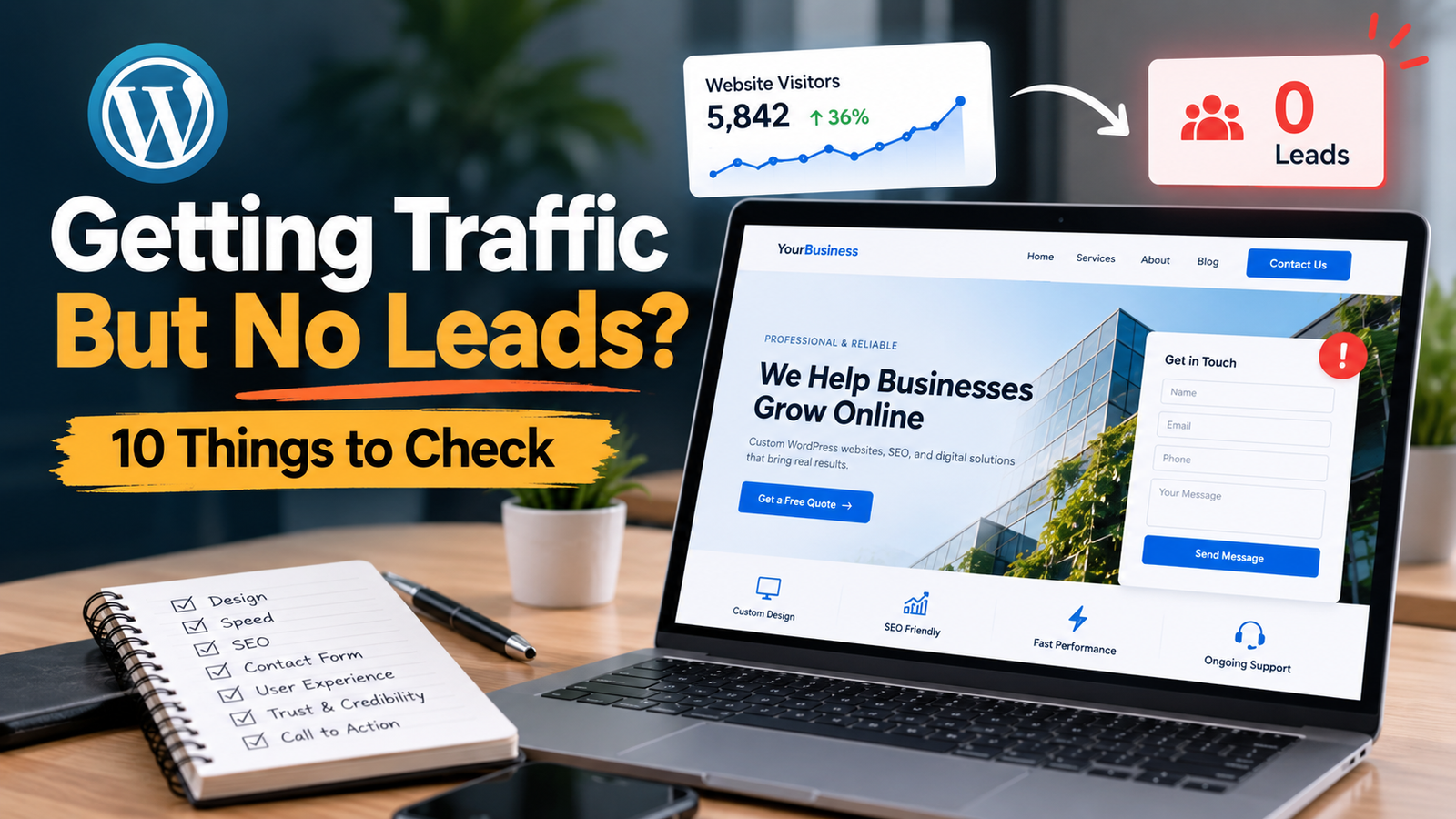
Your WordPress website looks good. You are getting some visitors. But there is one big problem:
People are not contacting you.
No calls. No form submissions. No quote requests. No new leads.
This is a common problem for business websites.
A website should do more than just look professional. It should help visitors understand what you offer, trust your business, and take the next step.
If your WordPress website is not getting leads, here are 10 important things you should check.
1. Your Website Does Not Have a Clear Message
When someone visits your homepage, they should quickly understand:
- What you do
- Who you help
- Where you provide your service
- What they should do next
If your website starts with a general message like:
“Welcome to Our Website”
it does not tell the visitor much.
A better headline would be:
“Professional Plumbing Services for Homes and Businesses in Dallas, TX”
Now the visitor immediately knows what the company does and where it works.
Keep your main message simple. Do not make visitors search for basic information.
2. Your Call-to-Action Is Hard to Find
What do you want visitors to do?
Call you?
Request a quote?
Book an appointment?
Schedule a consultation?
Your website needs a clear call-to-action, or CTA.
Examples include:
- Get a Free Quote
- Book a Consultation
- Schedule an Appointment
- Call Now
- Contact Us
- Get Started
Your main CTA should be easy to see.
It should normally appear near the top of the page and again naturally throughout longer pages.
Do not make visitors scroll through the whole website just to find a way to contact you.
3. Your Contact Form Is Too Complicated
A long contact form can stop people from contacting you.
Imagine someone wants a simple quote, but your form asks for 15 different pieces of information.
They may leave.
For most service businesses, start with the information you actually need.
For example:
- Name
- Phone
- Service needed
- Message
You can collect more information later if necessary.
Also, test your form yourself.
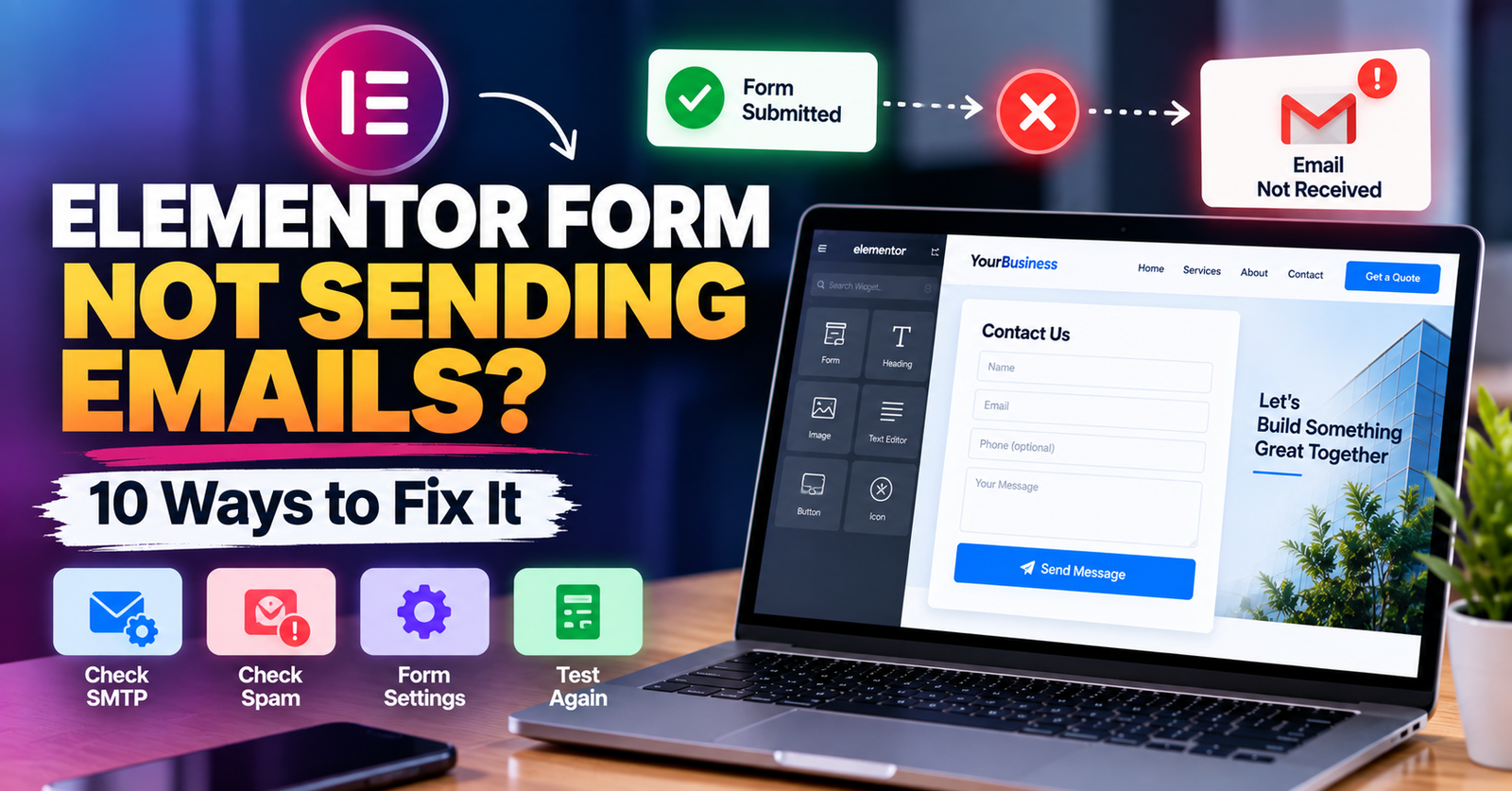
Sometimes a WordPress form looks completely normal but emails are not being delivered.
Submit a test request and make sure it reaches the correct inbox.
4. Your Website Is Too Slow
People do not like waiting for slow websites.
Large images, too many plugins, poor hosting, heavy scripts, animations, and badly optimized WordPress pages can all affect loading speed.
A slow website can also hurt the overall user experience.
Check important pages such as your:
- Homepage
- Service pages
- Contact page
- Landing pages
Compress large images, remove unnecessary plugins, and avoid adding effects that do not provide real value.
A simple, fast website is often better than a website filled with unnecessary animations.
5. Your Mobile Website Is Difficult to Use
Many potential customers will visit your website from their phones.
Your desktop website may look perfect while the mobile version has problems.
Check your website on a real phone.
Look for issues such as:
- Text that is too small
- Buttons that are difficult to tap
- Images going outside the screen
- Large empty spaces
- Broken layouts
- Slow-loading sections
- Forms that are difficult to complete
- Popups covering important content
Pay special attention to your phone number and contact buttons.
Mobile visitors should be able to contact you without struggling.
6. Visitors Do Not Trust Your Business Yet
Before contacting a business, people usually want to know whether they can trust it.
Your website should answer that question.
Depending on your business, you can add:
- Customer reviews
- Testimonials
- Real project photos
- Before-and-after photos
- Certifications
- Years of experience
- Business address
- Service areas
- Team photos
- Case studies
- Guarantees
Avoid filling the website with generic claims such as:
“We are the best company.”
Show visitors why they should trust you instead.
Real proof is stronger than big claims.
7. Your Service Pages Are Too Weak
Having one page called “Services” is not always enough.
If you offer several important services, creating a useful page for each service can make it easier for visitors to find the information they need.
For example, an HVAC company might have separate pages for:
- AC Repair
- AC Installation
- Furnace Repair
- Furnace Installation
- Heat Pump Repair
- HVAC Maintenance
Each page can explain the specific service, common problems, your process, service area, frequently asked questions, and how to contact you.
This also gives search engines clearer information about what your business offers.
8. Your Website Attracts the Wrong Visitors
Getting more traffic does not automatically mean getting more leads.
Imagine you run a local roofing company in Florida, but most of your visitors are looking for DIY roofing tutorials.
You may get traffic without getting customers.
This is why keyword intent matters.
A person searching:
“what is roof flashing?”
may only want information.
Someone searching:
“roof repair company near me”
has a very different intent.
Your SEO strategy should include keywords related to the services you actually sell.
Depending on your business, these can include:
- Service keywords
- Location keywords
- Problem-based keywords
- Commercial-intent keywords
Traffic is useful, but relevant traffic is much more valuable.
9. Your Website Gives Visitors Too Many Choices
More buttons do not always create more leads.
Sometimes they create confusion.
If your homepage asks visitors to:
- Read the blog
- Follow Instagram
- Watch YouTube
- Download a guide
- Join a newsletter
- View 12 services
- Read company news
- Follow Facebook
they may not know what you actually want them to do.
Choose one main conversion goal.
For a service business, that may be:
Request a Quote
Other actions can still exist, but the primary action should be obvious.
Guide visitors instead of making them figure everything out themselves.
10. You Are Not Tracking What Visitors Do
Without tracking, it is difficult to know where the real problem is.
You should know things such as:
- How many people visit your website
- Which pages they visit
- Where visitors come from
- Which pages generate leads
- Which pages get traffic but no inquiries
- Whether important forms are being submitted
Google Analytics and Google Search Console can help you understand website traffic and search performance.
You can also track important actions such as form submissions, phone-number clicks, and booking-button clicks.
The goal is not to collect numbers just for the sake of having data.
Use the information to find weak points and improve them.
A Good-Looking Website Is Not Always a High-Converting Website
A website can look beautiful and still generate very few leads.
Good business websites combine several things:
Clear message + good user experience + trust + strong service content + clear CTA + relevant traffic
If one important part is missing, visitors may leave without contacting you.
Start by checking your website from a customer’s point of view.
Ask yourself:
Can a new visitor understand what I offer within a few seconds?
Can they easily find the service they need?
Is there enough proof to trust my business?
Is contacting me simple?
If the answer to any of these questions is no, that is a good place to start improving.
Need Help Improving Your WordPress Website?
If your WordPress website is getting visitors but not enough inquiries, the problem may be in the design, user experience, SEO, speed, content, or conversion path.
I help businesses build and improve WordPress websites with a focus on turning more visitors into real leads.
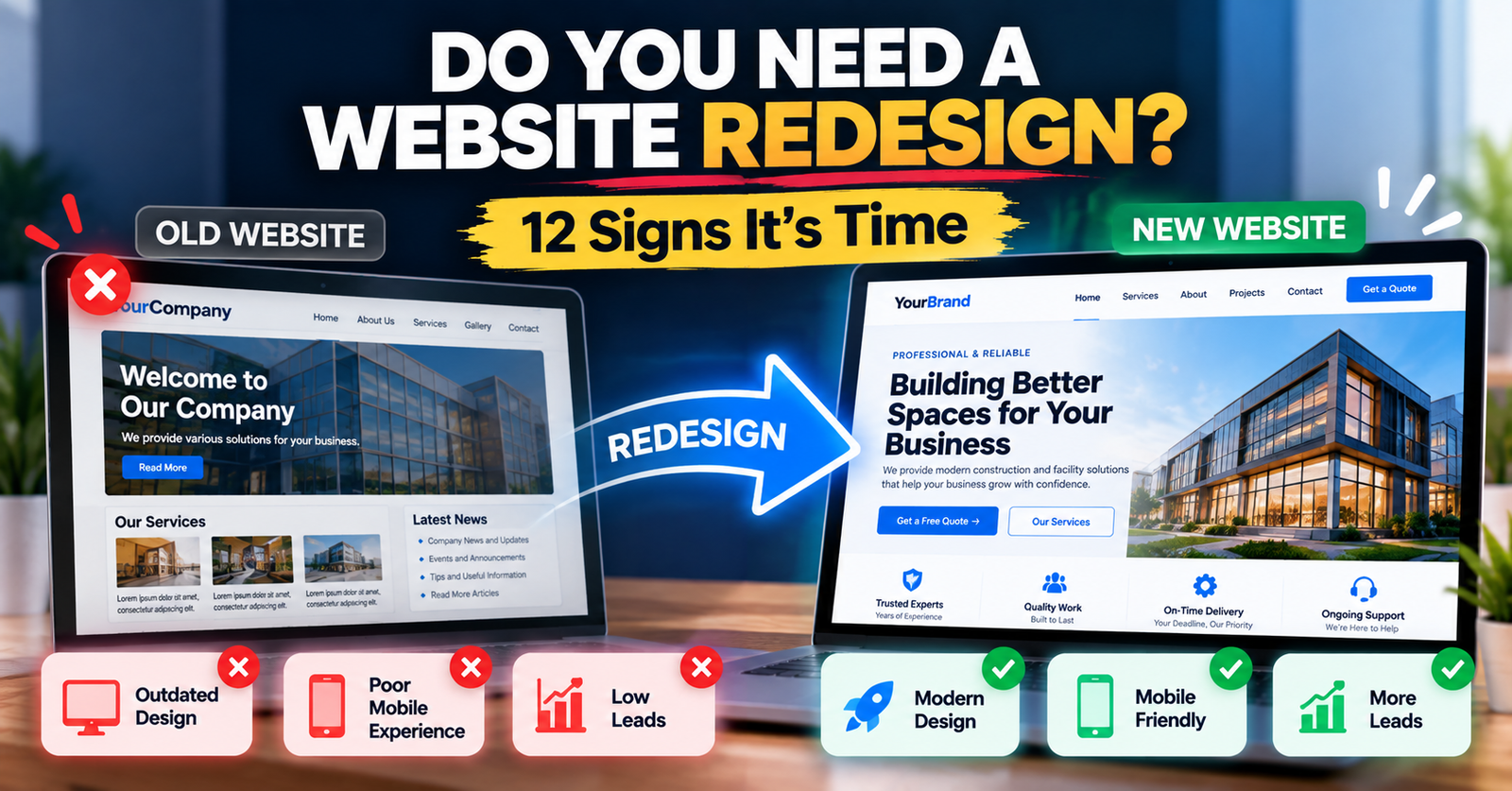
Whether you need a website redesign, Elementor improvements, WordPress fixes, speed optimization, or SEO improvements, I can help you identify what is holding your website back.
Want me to review your website? Get in touch and tell me what is not working.