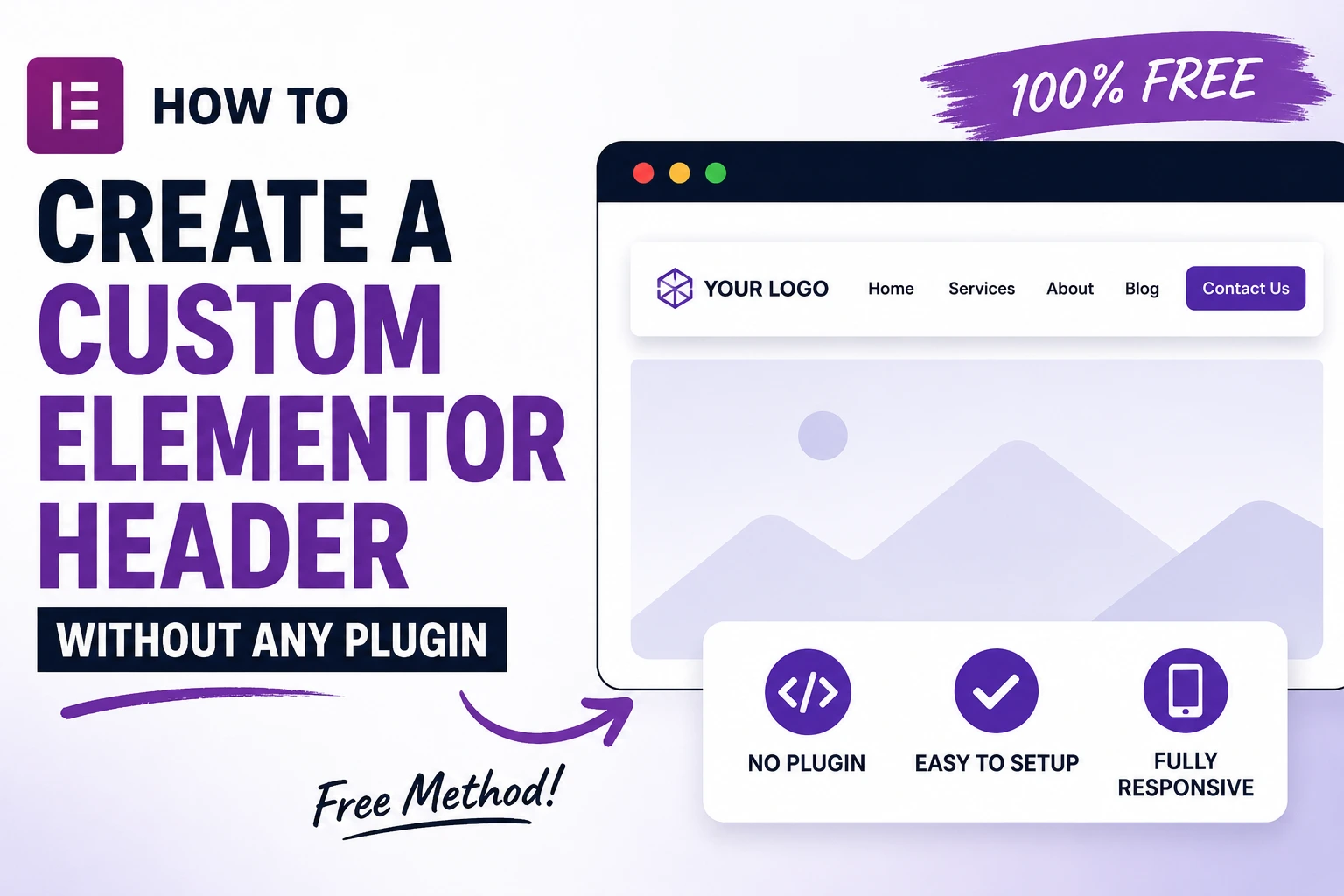
If you’ve searched for this, you’ve probably hit the same two answers everywhere: “use Elementor Theme Builder” (Pro only) or “install a header/footer plugin” (which isn’t really a no-plugin method, is it?).
There’s a third way — and it’s the one most WordPress developers actually use when a client won’t pay for Pro and doesn’t want another plugin bloating the site: build the header as an Elementor Section template, grab its shortcode, and hook it into your theme’s header.php through a child theme. No Pro, no header/footer plugin.
What You’ll Need
- Elementor (free version is enough)
- A child theme (if you don’t have one, create one first — never edit a parent theme directly)
- FTP or File Manager access to your site
Step 1: Design Your Header as a Saved Section
- In WP Admin, go to Templates → Saved Templates → Add New
- Choose Section (not Page)
- Name it something like
custom-header - Design your header inside the Elementor editor — logo, nav menu widget, buttons, whatever you need
- Click Publish
This section now lives independently of any page and can be inserted anywhere via shortcode.
Step 2: Grab the Shortcode
- Go back to Templates → Saved Templates
- Find your
custom-headertemplate - Click the shortcode icon next to it — it’ll look like
- Copy that shortcode
Step 3: Insert It Into Your Child Theme’s Header
Open your child theme’s header.php. Find where the site header currently outputs (usually right after <body> or inside a <header> tag), and add:
<?php
if ( shortcode_exists( 'elementor-template' ) ) {
    echo do_shortcode( '[elementor-template id="1234"]' );
}
?>
Replace 1234 with your actual template ID.
If you’d rather not touch header.php directly, hook it in via functions.php instead — cleaner and update-safe:
function shsanzid_custom_elementor_header() {
    if ( shortcode_exists( 'elementor-template' ) ) {
        echo do_shortcode( '[elementor-template id="1234"]' );
    }
}
add_action( 'wp_body_open', 'shsanzid_custom_elementor_header' );
wp_body_open fires right after the opening <body> tag on any modern theme (2019+ core support). If your theme doesn’t call wp_body_open(), use a theme-specific hook instead (check your theme’s header.php for available action hooks).
Step 4: Hide the Theme’s Default Header
Now you have two headers stacked. Remove the theme’s original one. In functions.php:
function shsanzid_remove_default_header() {
    remove_action( 'theme_hook_name', 'theme_header_function' );
}
add_action( 'after_setup_theme', 'shsanzid_remove_default_header' );
Since hook names differ by theme, the safest universal method is CSS — hide it without breaking template structure:
.site-header,
header.site-header,
#masthead {
    display: none !important;
}
Inspect your theme’s actual header wrapper class/ID and swap it in.
Step 5: Make It Sticky and Responsive
Elementor Section templates don’t have built-in sticky controls like Pro headers do. Add this CSS in Appearance → Customize → Additional CSS or your child theme’s style.css:
.custom-header-wrapper {
    position: sticky;
    top: 0;
    z-index: 999;
    background: #ffffff;
}
Wrap the shortcode output in a div with that class:
echo '<div class="custom-header-wrapper">' . do_shortcode( '[elementor-template id="1234"]' ) . '</div>';
For mobile, use Elementor’s built-in responsive controls (desktop/tablet/mobile icons) when designing the section — no extra code needed there.
Troubleshooting
Header shows twice: You haven’t fully hidden the theme’s default header — check for display: none conflicts or leftover PHP output.
Shortcode not rendering: Confirm Elementor is active and the template ID is correct (find it in the URL when editing the template: post=1234).
Menu not showing inside the section: Use Elementor’s native Nav Menu widget (free version includes it) and assign your WordPress menu from Appearance → Menus.
Sticky header overlaps content: Add padding-top to your body or main content wrapper equal to the header’s height.
FAQ
Do I need Elementor Pro to build a custom header? No. Elementor Pro’s Theme Builder makes it a point-and-click global setting, but the Section-template + shortcode method achieves the same visual result using only the free version.
Will this survive a theme update? Yes, as long as the code lives in a child theme, not the parent theme.
Can I use this for a footer too? Same process — just design a Section template for the footer and hook it near wp_footer() instead.
Does this hurt page speed? No more than a Pro-built header would. Elementor’s core CSS/JS loads either way; you’re not adding a new plugin’s overhead.
Wrapping Up
This method gets you a fully custom, Elementor-built header with zero added plugins and zero Pro license cost — the trade-off is a bit of manual child-theme code instead of a settings panel. For a single header on one site, that’s a fair trade. If you’re doing this across multiple client sites regularly, Elementor Pro’s Theme Builder will save you more time in the long run.